
Raked and Splayed Legs in SketchUp

I was looking at Jeff Miller’s Shaker round table in issue #322. With the raked and splayed legs, the mortise-and-tenon joints are a little more complex than one might guess at first glance. With the legs being angled in both the side-to-side direction as well as front to back, the faces of the square leg aren’t in plane, so the shoulders at the ends of the aprons can’t be square to the front and back faces. Instead they are off by a very small amount. As I remember, when I was a young apprentice in an earlier century, the masters would actually plane the legs so they had a sort of diamond cross section.
This slight angle is generally handled by fine-tuning the fit when offering up the aprons to the legs, but if you didn’t know about this business you might be convinced that there’s an error in the way your machines are set up. Creating a digital 3D model in SketchUp or even in another modeling application can clarify what’s going on. In this video I’ll demonstrate a workflow to properly model the legs and aprons so things fit correctly. To start, I have made up some exaggerated examples showing different methods for tilting the legs for both the rake and splay to clarify the strangeness in the geometry.
I did use a couple of extensions in the process. First, Rake and Splay from Sketchucation. Then I used Eneroth Solid Tools from the Extension Warehouse. Note that Eneroth Solid Tools only works in SketchUp Pro. For those still using an old version of SketchUp Make there is an extension called Bool Tools 2 that will also do the job.
As usual, I hope you find some nuggets that will help you in your SketchUp modeling.
Dave Richards teaches the Fine Woodworking eLearning course “SketchUp for Furniture Design,” which can be found on demand here.

Shaker Round Table
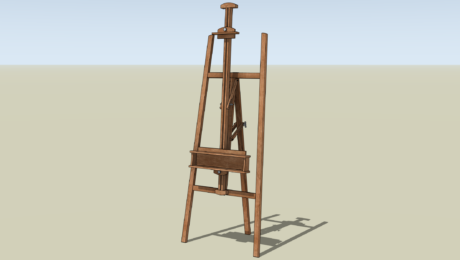
Setting the Angle in SketchUp
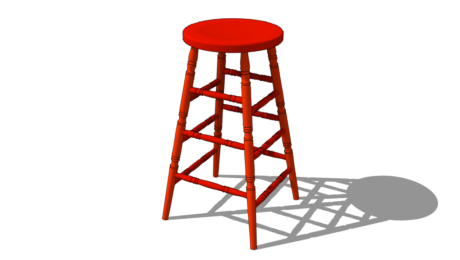
The Red Stool in SketchUp
Sign up for eletters today and get the latest techniques and how-to from Fine Woodworking, plus special offers.


